

Buffalo Marathon Race Results Guide
You cross the Buffalo Marathon finish line, catch your breath, and start looking for answers: What was my official time? How did I place? What do my splits say about my race? The Buffalo Marathon race results can help you find those details and see how your day unfolded.
Whether you ran, cheered from the sidelines, or are checking on a friend, results are easier to understand when you know where to look and how each listing is organized. This guide helps you find Buffalo Marathon results by year and race distance, then make sense of finish times, age-group and overall placements, and split times.
Use it to locate the right results and put your performance in context. Looking for the best hotels near the Buffalo Marathon? Be sure to reserve your rooms early.
Key Takeaways
- Find official Buffalo Marathon results by choosing the correct race year and event, such as the full or half marathon.
- Search by your name or bib number to locate an individual result more quickly.
- Check your official finish time alongside your overall and age-group placement for a clearer view of your performance.
- Review available split times to see how your pace changed across the course, rather than relying on finish time alone.
- Compare results only within the same year and distance, since different races and fields can produce different placements.
How to Find Official Buffalo Marathon Race Results
Start with the Buffalo Marathon’s official results page, which lets you select a race year and event, then search by name or bib number. Before searching, confirm the event date and race name. The weekend may include multiple distances, and a result can be hard to find if you’re looking in the wrong field.
The race’s official website is the best starting point because it connects results to the correct event. If an older results link has moved, check the site’s race-history pages or follow its current results link. A timing provider may also host a searchable results page for the event. Archived pages and third-party result sites can help locate older records, but use the race’s official timing information to verify a result.
Search by year, name, or bib number
Choose the year you raced before entering any search details. Then select the right event: full marathon, half marathon, 5K, or relay. A runner may not appear in the full marathon results if they entered the half, even when both races took place on the same day.
Try your bib number first because it usually narrows the search to a single runner. If you don’t have it, search your name as it appeared at registration. Check spelling, including hyphens or alternate name forms, and try only your first or last name if a full-name search returns no match.
Some results pages organize races and years in separate menus, while others load a new search field after you select an event. If nothing appears, recheck the year and distance before assuming your result is missing. Also confirm that you’re searching the correct race date, especially when you’re comparing a current listing with an archived page.
What to do if a result is missing or looks wrong
Race-day timing data may take time to finalize. Refresh the official results page later, then search again using your bib and name. If the runner still doesn’t appear, check nearby event categories; a relay entry or shorter-distance result may be listed separately.
When a result appears incorrect, compare the bib number and recorded finish time with your race-day information. Check that you’re viewing the right year and event before contacting the organizer. Then send the race organizer or timing team the runner’s name, bib number, and race year, along with a clear description of the problem. Those details make it easier to investigate the specific record.
A watch time or a post shared by another runner can offer context, but it does not replace an official correction. GPS devices may record a different distance or elapsed time than the race’s timing system, and social posts can contain typos. For an accurate Buffalo Marathon race result, rely on the official timing team to confirm or correct the listing.
What Your Buffalo Marathon Results Mean
A Buffalo Marathon result is more than a finish time. It records how long you took, where you ranked, and how your pace changed along the course. Read the fields together, and you can see both the result you earned and the way you raced.
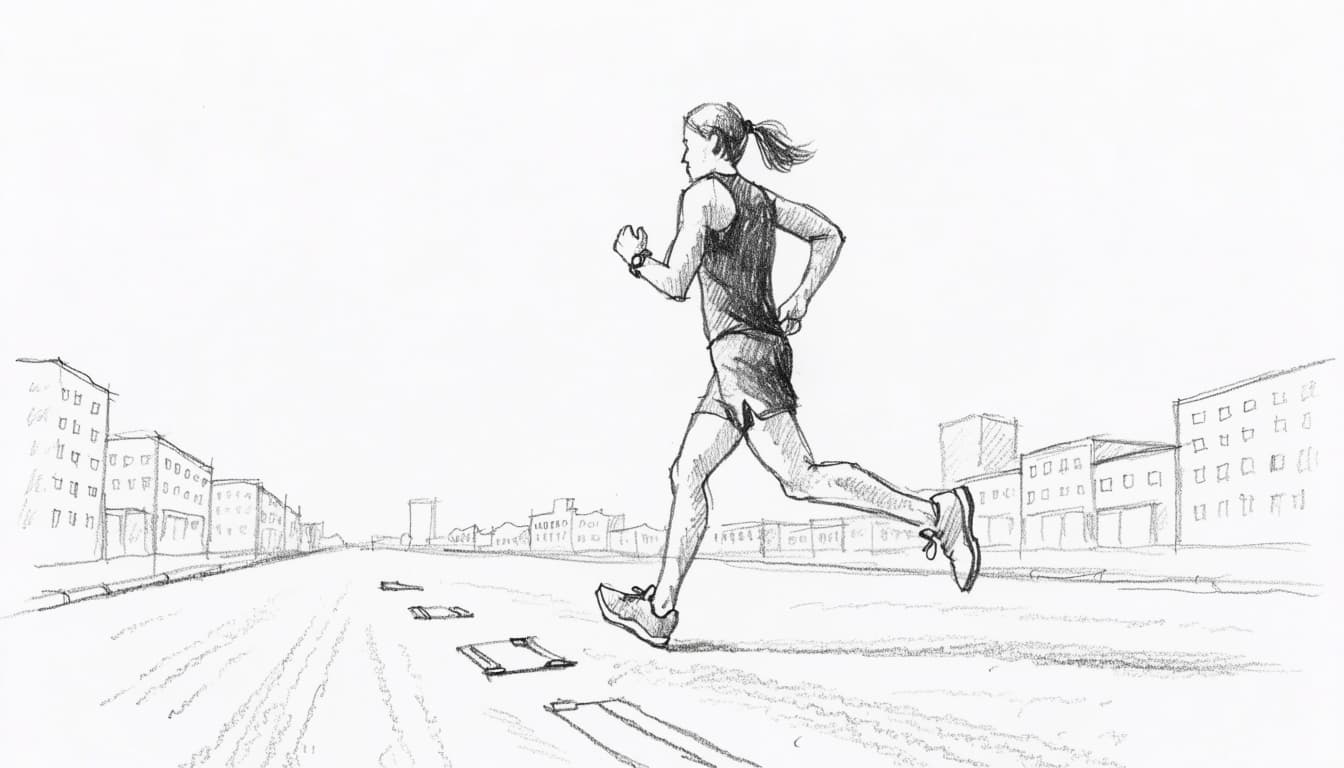
Finish time, pace, and race splits
Gun time starts when the race officially begins. Chip time, often called net time, usually starts when you cross the starting timing mat and ends when you cross the finish mat. If you began well behind the starting line, your chip time may be shorter than your gun time. For a plain explanation of the distinction, see how gun time differs from chip time.
Results pages may display one time, both times, or use different labels. Check the timing notes on that year’s results page before deciding which time applies to a record, award, or comparison. Rules and display terms can vary by race and edition.
Pace tells you how long you took to cover a mile, usually shown in minutes per mile. For example, a pace of 9:00 means an average of nine minutes per mile. It summarizes the whole race, so it won’t show every surge or slowdown.
Split times add that detail. They record your time at checkpoints along the course, such as halfway or another marked distance. Compare successive splits to see whether you held a steady effort, slowed late, or picked up speed toward the finish. For example, if the later half took longer than the first half, you likely lost time after halfway; a faster closing segment may point to a strong finish.
Split locations and intervals can differ by edition. Compare equivalent checkpoints only, and don’t treat a 10K split from one year’s course as directly comparable to a differently placed checkpoint in another year. Course changes and timing layouts can affect the comparison.
Overall, gender, and age-group placement
Your overall place compares your result with all finishers in the selected race. Gender place compares it with finishers in the gender category used by that results page. Age-group place compares you with runners in your listed age bracket. Each number answers a different question, so a lower age-group rank can offer useful context even when your overall place is much higher.
These rankings depend on the field. A runner’s overall place can change substantially between editions because the number and performance of finishers vary. Age-group place narrows the comparison to a smaller peer group, which can help you assess your standing among runners of a similar age.
Before comparing placements, confirm that you’re viewing the same distance and year. Also check the event’s official definitions for categories, age rules, and ranking methods. Results pages may apply specific eligibility or scoring rules, and those details determine who appears in each ranking. Use the official listing for that edition when interpreting your Buffalo Marathon race results.
Full marathon, half marathon, 5K, and relay results
Buffalo Marathon weekend can include several races, and each has a separate results list. Start by matching the listing to the event you ran or followed. A familiar name or finish time won’t appear in another distance’s individual standings because each race has its own field and placements.
The weekend lineup may include the full marathon, half marathon, 5K, and team relay. However, event names and formats can change by year. Check the selected year’s official page before searching; the Buffalo Marathon results page lets you choose a year and event.
Choose Your Distance, Duration and Goal Time
Make three quick selections and open the exact plan built for your race target.
Looking for a Fully Personalized Training Plan?
The training plans above are an excellent choice if they match your goal. However, if you’d rather train with a plan built specifically around your current fitness, goal race, preferred training days, weekly mileage, and target finish time, our RDA Custom Training Plans provide a personalized solution. We also have running courses available for runners seeking to run faster from the mile to the marathon.
Why Choose a Custom Training Plan?
| Standard Training Plan | RDA Custom Training Plan |
|---|---|
| Follows a fixed schedule | Built around your schedule |
| Standard weekly mileage | Peak mileage customized for you |
| Fixed workout days | Train on the days you choose |
| Same structure for everyone | Designed around your current fitness |
| Static plan | Updated as your fitness improves |
| One-time purchase | Ongoing personalized coaching and support |
What You’ll Receive
- A training plan built specifically for your goal
- Personalized training paces
- Long runs, tempo runs, threshold workouts, interval sessions, recovery runs, and easy runs
- Peak weekly mileage matched to your experience level
- Flexible training schedule that fits your life
- Ongoing plan adjustments as your fitness improves
Ready to Train Smarter?
Stop guessing and start following a plan built specifically for you, your schedule, and your racing goals.
Choose the right distance and event listing
First, identify the distance or format associated with the runner’s bib. Full marathon results list participants in that race, while half marathon and 5K results cover their own entrants. Even if two events share a start or finish area, their finishers are ranked separately.
That separation affects every placement. A half marathoner’s overall place compares them with the half marathon field, not the full marathon runners. Likewise, a 5K time belongs in that event’s results, not the marathon standings. If you search the wrong list, a missing result may simply be filed under another distance.
Event labels can also vary between editions. One year may list a 5K run and walk, for example, while another year’s lineup or registration format may differ. Use that year’s official event page to confirm the exact name and format, then select the matching results category. The race’s official event listings provide a useful reference, but the specific year remains the best guide.
How relay standings and team times work
Relay results usually report a team’s combined race time and placement. That differs from an individual marathon result, which records one runner’s time and rank over the full course. A relay participant may have completed one leg, so searching for that person in individual marathon standings won’t show the team’s finish.
Instead, look for a relay category and search the result page using the team name, if available. Team names may be entered in different ways, so try a distinctive word or check the bib details. Then review the result fields to see whether the page lists individual leg times, runner names, or only the team’s overall time and place.
Relay rules and result layouts can vary. Check the selected year’s race rules and procedures for details such as exchange points and team requirements. If a team changed members, did not complete every leg, or appears under an unexpected name, consult the official result notes or contact the race organizer. A relay’s team placement cannot be read as an individual marathon finish.
Compare Buffalo Marathon results across years with care
Past Buffalo Marathon race results can reveal patterns in your training, but a finish time never tells the whole story. Compare editions with context: weather, course setup, race rules, field size, and timing conditions can all affect what the numbers show.
Use past finishes to measure your own progress
For a useful year-to-year comparison, start with your own results at the same distance. Review your official finish time and average pace, then compare splits at equivalent checkpoints. A faster finish may reflect improved fitness, but your split pattern can show whether you held a steadier pace or faded less late in the race.
Conditions matter. Heat, wind, rain, and course changes can make one edition tougher than another. Your own circumstances count, too: training consistency, injury, illness, recovery, and race-day effort may differ from year to year. Buffalo’s historical climate information can help you check local conditions, while the official results page can help you locate the relevant edition and event.
Compare matching checkpoints, not just similarly labeled splits. A mile marker or timing mat may shift when a course changes, so confirm the route and split layout for each year. Also check whether the results page reports gun time, chip time, or both before drawing conclusions.
A personal best is meaningful, but a slower result does not automatically mean lost fitness. Read the time alongside the race conditions and your preparation.
Treat each result as feedback, not a complete measure of your ability. A tough day can still show progress in pacing or resilience, while a fast finish does not explain every factor behind it. Look for trends across several races rather than letting one result define your progress.
Check records and standout performances against official sources
When exploring race history, verify notable finishes in the official archive for the correct year and distance. The Buffalo Marathon results archive is the appropriate starting point for historical standings. Confirm that the page identifies the race edition and event, then review its timing details and categories.
A year’s winning time describes the winner of that specific race. An all-time course record is a separate claim, and it should be confirmed against the event’s official record information. Course routes, distances, eligibility rules, and timing methods can change; a leading time from one edition may not qualify as a course record under another edition’s standards.
Field size also affects placement. A runner’s overall rank depends on who entered and finished that year’s race, so compare placements cautiously, even when the distance is the same. Age-group and gender-category standings may use rules that vary by event or year. Read the relevant result notes before treating ranks as directly comparable.
For a standout performance, confirm the runner’s name, distance, official time, and placement in that year’s listing. Then check the event’s official course-record information before calling the result a record. If the archive does not clearly verify a claim, describe it as a notable finish for that edition rather than publishing an unconfirmed record.
Frequently Asked Questions
A few details can make Buffalo Marathon race results easier to use after you find your listing. These answers cover publication timing, race photos, documentation, and what to do if a result has no recorded time.
When are official Buffalo Marathon results posted?
The race does not state a fixed publication time for final results. Check the official Buffalo Marathon results page after the event, and return later if the timing information appears incomplete. Use the finalized listing when you need an official time or placement.
Can I find race photos through the results page?
Yes. The results page directs runners to search the event by name or bib number and look for a personal results profile or media gallery. Photo availability may vary, so check the selected year’s page and the runner’s profile.
Why might my watch time differ from my official result?
A GPS watch measures your route and elapsed time independently, while race results rely on the event’s timing system. Your watch may record extra distance, and its start time may differ from the timing mat. For race records, use the official result rather than the watch display.
Can I use a Buffalo Marathon result as proof of my finish time?
The official result page is the best record to share, but the organization requesting proof sets its own requirements. Save the result page or a PDF copy while it’s available, and confirm whether a link, screenshot, or other documentation is accepted.
Why does a result show no time or an incomplete status?
The official rules state that participants must wear the provided MyLaps BibTag to be timed and included in final results. If your listing has no finish time or shows an incomplete status, review the Buffalo Marathon timing and race procedures and contact the race team with your bib number and event year.


